Kujo Tech Lab

BBC Micro:bit for Young Innovators
Home » BBC Micro:bit for Young Innovators

BBC Micro:bit for Young Innovators

Categories: Programming
Wishlist Share
Share Course
Page Link
Share On Social Media

About Course


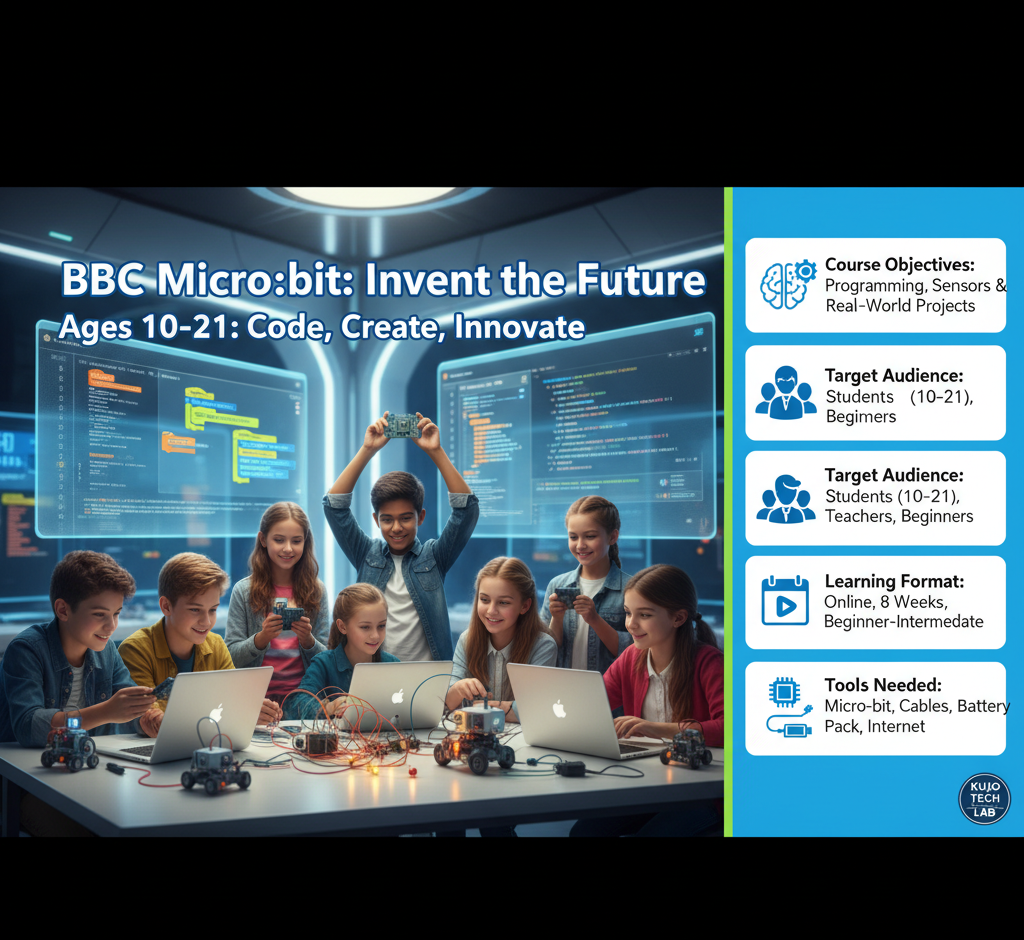
Learn coding, electronics, and creative design through hands-on projects using the BBC Micro:bit.

This course introduces learners (ages 10–21) to the world of programming, sensors, and physical computing using the BBC Micro:bit, a small, affordable microcontroller designed to make coding fun, visual, and interactive.
Through guided lessons, students will create exciting projects in electronics, robotics, and design thinking, using block-based (MakeCode) and text-based (Python) programming.

Course Objectives

By the end of this course, students will be able to:

  • Understand the components and functions of the BBC Micro:bit.
  • Write and test programs using Microsoft MakeCode and Python.
  • Design real-world projects integrating sensors, LEDs, and inputs/outputs.
  • Apply design thinking to solve community-based challenges.
  • Build creativity, collaboration, and computational thinking skills.
Show More

What Will You Learn?

  • By the end of this course, students will be able to:
  • Understand the components and functions of the BBC Micro:bit.
  • Write and test programs using Microsoft MakeCode and Python.
  • Design real-world projects integrating sensors, LEDs, and inputs/outputs.
  • Apply design thinking to solve community-based challenges.
  • Build creativity, collaboration, and computational thinking skills.

Course Content

Module 1: Introduction to the Micro:bit
Module 1: Introduction to the Micro:bit What is the BBC Micro:bit? Exploring the board: LEDs, buttons, sensors, pins, radio, and Bluetooth Setting up your first Micro:bit Introduction to MakeCode 🧩 Project: “Display My Name” — create a scrolling LED name tag

  • What is the BBC Micro:bit?
  • Exploring the board: LEDs, buttons, sensors, pins, radio, and Bluetooth
  • Setting up your first Micro:bit
  • Introduction to MakeCode
  • Project: “Display My Name” — create a scrolling LED name tag

Module 2: Programming with MakeCode
Understanding blocks, logic, and loops Creating animations and patterns Using variables and conditions Combining inputs and outputs 🧩 Project: “Digital Dice” — build a dice simulator using the shake sensor

Module 3: Sensors and Inputs
Using the accelerometer, compass, and temperature sensor Reading data and displaying it on the LEDs Integrating external sensors via pins 🧩 Project: “Smart Thermometer” — measure and display room temperature

Module 4: Outputs and Communication
Controlling LEDs and sound Using the radio function for wireless communication Pairing two or more Micro:bits 🧩 Project: “Wireless Messenger” — send coded messages between Micro:bits